
Browser extension · Chrome / Edge
Screen before you pay, right in your browser
Click the toolbar icon and paste, or select an address on any page and right-click. Free: no signup, no account.
We are listing it on the Chrome Web Store and Microsoft Edge Add-ons. Install buttons will appear here once it is approved.
Screen a payee address
Paste an address and get a verdict in seconds: sanctions lists, mixers, scam tags and on-chain risk signals. Works on Ethereum, Base, BNB Chain, Polygon, Arbitrum, Optimism, Avalanche, Tron, Solana, Bitcoin.
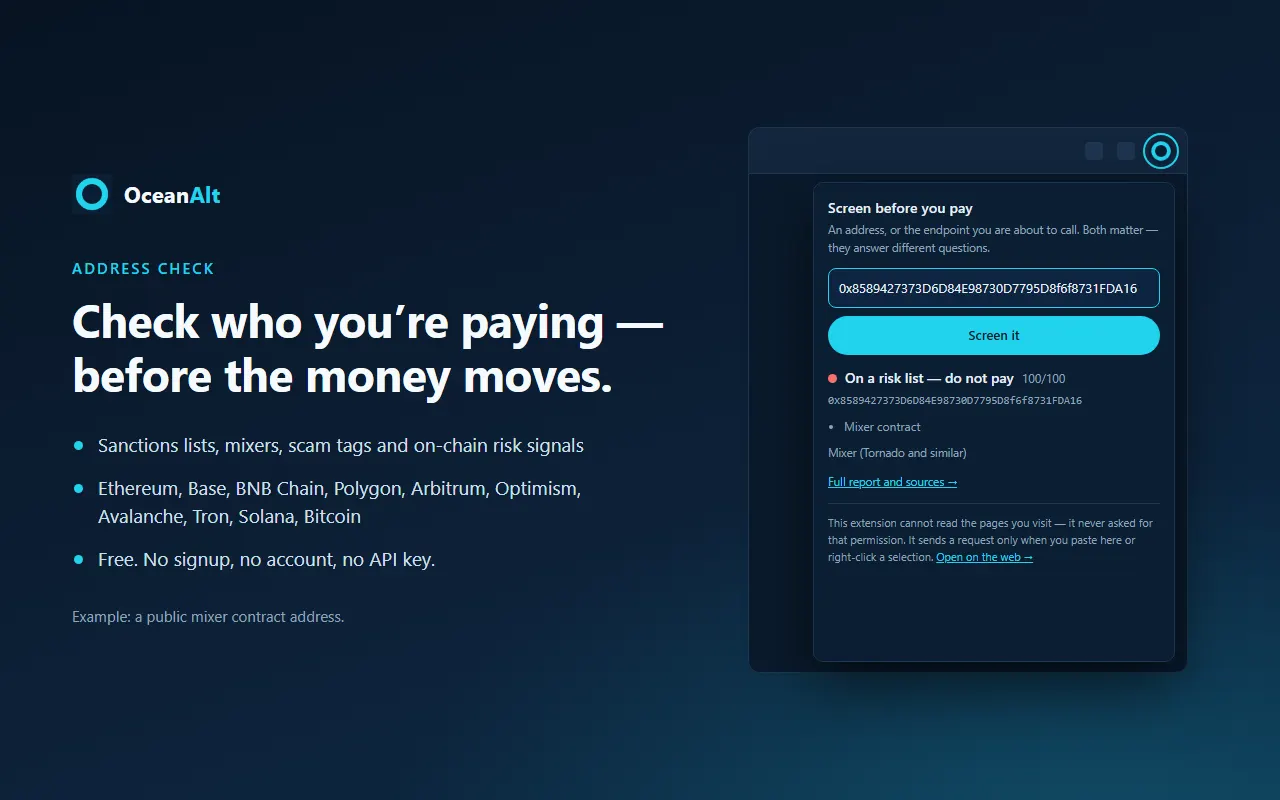
Screen a payment page
A spoofed payment page hands you a brand-new address that no list has seen. So check the page itself against phishing and scam domain lists.
Select and right-click
Select an address or URL on any page → right-click → “Screen with OceanAlt” → the full result opens in a new tab. If it is neither, the text is carried to the checker for you to confirm. We do not guess.
Privacy: it cannot read the pages you visit
- ✓ Context menu: adds “Screen with OceanAlt” on text you select
- ✓ Local storage: remembers the last value you typed, on your device only
- ✓ Access to oceanalt.com: to call our own public screening API
- ✕ Read and change your data on all websites
- ✕ Inject scripts into pages or scan their content
- ✕ Your browsing history
- Only the one address or URL you paste or right-click is sent, to perform that check.
- As with any website, our server access log records the request, IP address and browser identifier; it rotates daily and is deleted after 30 days.
- Usage statistics record the endpoint name, time, IP and browser identifier, not what you checked. They exist to count usage and prevent abuse, and a daily job deletes them after 366 days.
- The result cache stores “what this address’s verdict is”, never who asked. There is no account; we do not know who you are.
- Nothing is sold, used for advertising, or used to judge anyone’s creditworthiness.